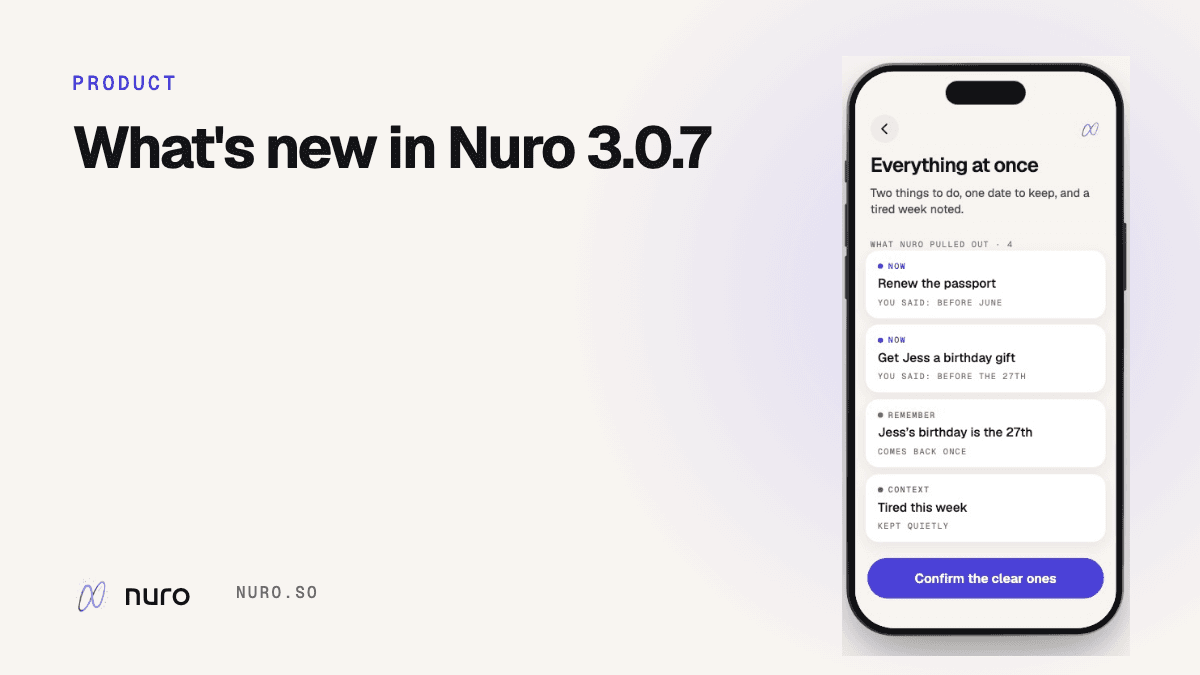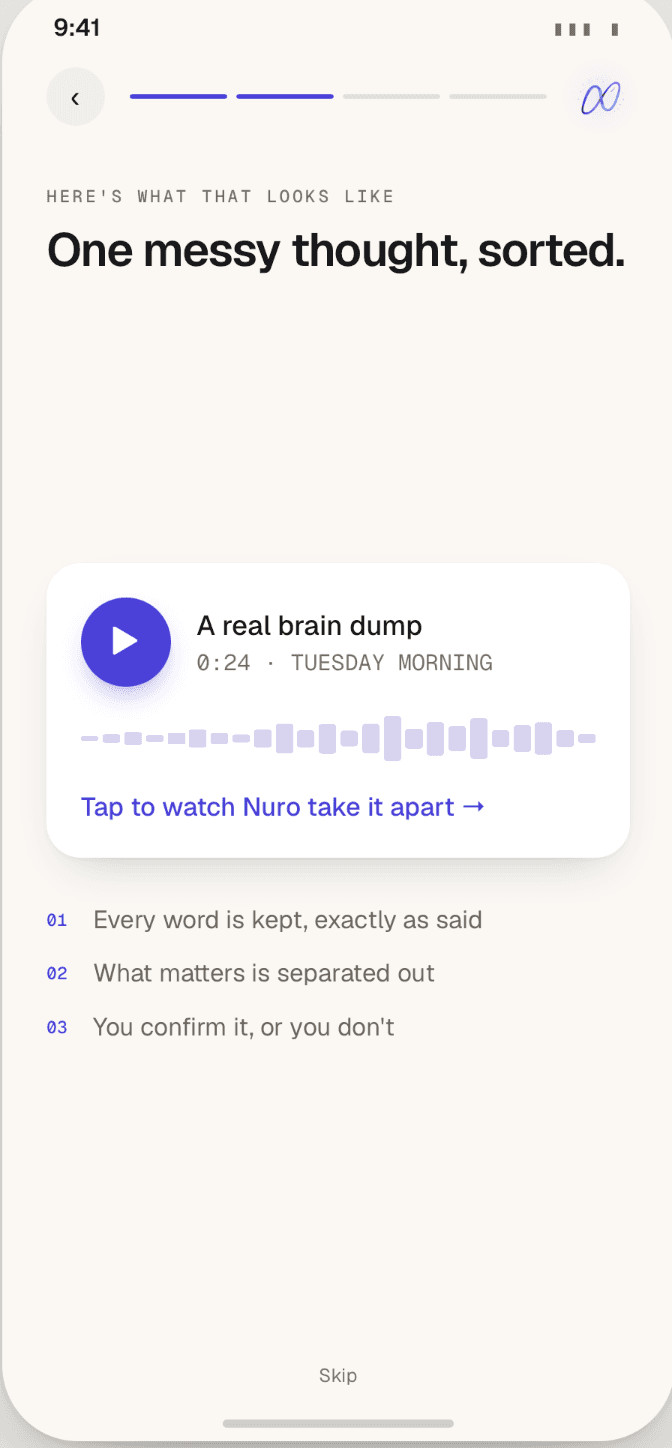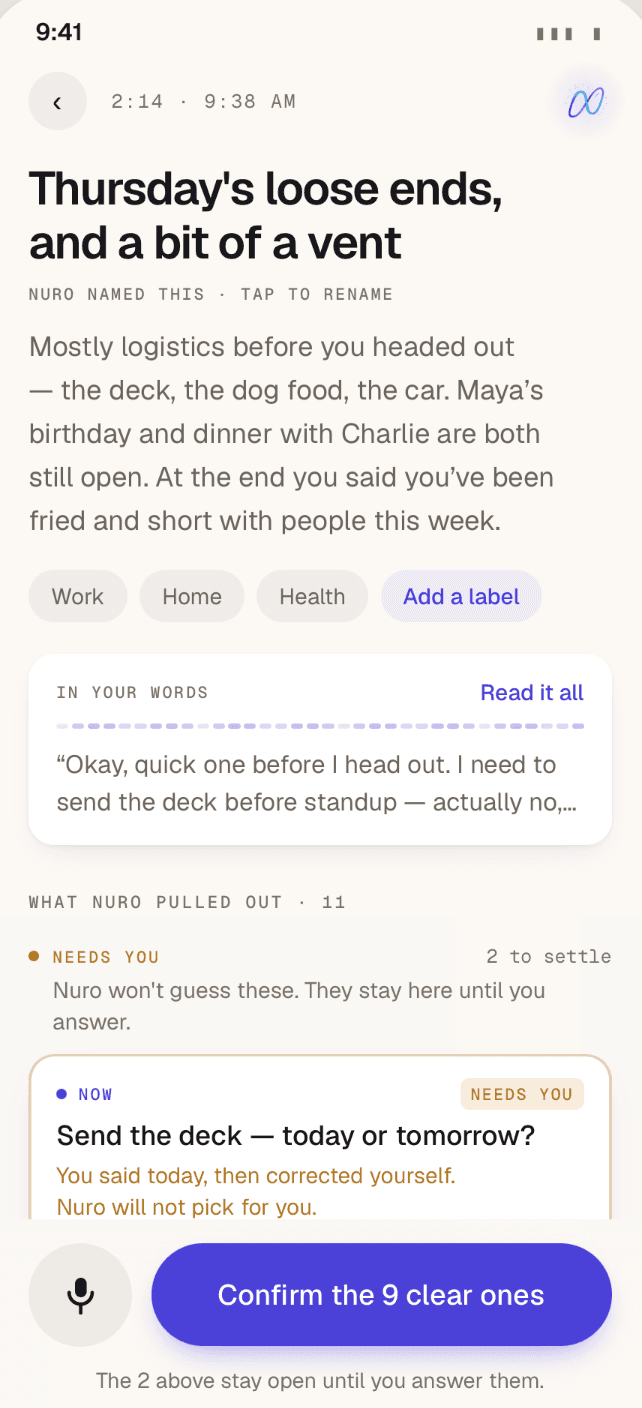

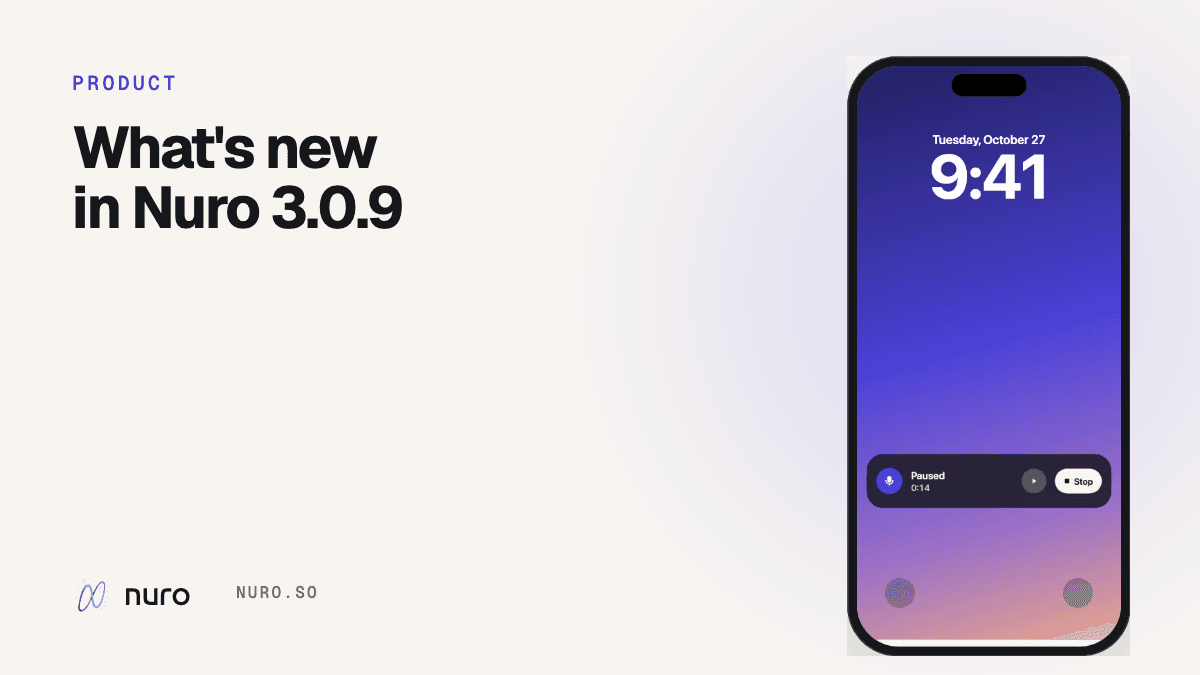
Nuro 3.0.9 went live on the App Store on 28 October. Almost all of it came from things people told me after 3.0: they had the thought on the way somewhere and never opened the app, they said a day out loud and then forgot it anyway, and they couldn't find an entry because they didn't remember how they'd put it.
So this release is about those three moments. Here's what changed.
Start a recording from anywhere
The best thoughts show up when Nuro isn't open. Now you don't need it to be.
- Home Screen widget. Small or medium. One tap and Nuro opens already recording.
- Lock Screen widget. Same thing, without unlocking first.
- Control Center. Add "Record with Nuro" as a control (iOS 18 or later).
And once you're talking, Nuro keeps recording when you lock your phone or switch apps. A Live Activity on the Lock Screen and in the Dynamic Island shows the timer, with Pause and Stop, so you can put the phone in your pocket and keep walking.
How to add each one is on the start from anywhere page.
To-dos with a day remind you on the day
Before 3.0.9, a to-do with a day attached sat on your list and waited for you to look at it. That's backwards for an app whose whole point is not having to hold things in your head.
Now, if you say a day ("send Maya the outline on Friday") and confirm the to-do, Nuro reminds you that day: at the start of your Nudges window (8:00 a.m. unless you change it), or half an hour before a time you said.
Two rules I care about:
- Only a day you actually said. If Nuro had to guess the day, it doesn't ring. A reminder for a day you never mentioned is Nuro making up an appointment.
- Only to-dos on your list. Suggestions you haven't confirmed stay quiet.
More on how it decides: voice note reminders.
Find things when you don't remember the words
Search now understands what you meant, not just what you typed. "Where did I land on pricing?" finds the launch note where I decided to move pricing after the demo, even though that note never asks a question like that. Results that match what you meant rather than your exact words sit under Close in meaning, so you can tell why they showed up.
At the top of every search there's now an Ask Nuro row. Tap it and Nuro answers from your own entries, with the entries it used listed underneath. It can be wrong, so the links are there for you to check.
More: search and Ask Nuro.
Photos while you talk, and typing when you can't
- Photos. Tap the camera while recording to take or pick up to five photos. They attach to the entry, and Nuro's Take can see them. If the upload is slow or you're offline, the recording still saves and the photos follow.
- Type instead. Hold the record button to go straight to typing. Already talking? Tap Type instead and the words so far carry over. Under 15 seconds it just switches; after that it asks first, because the audio isn't kept.
Details on the photos and typing page.
Smaller things
- Nuro's Take gets an introduction. New users kept telling me the Take "came out of nowhere." It now arrives as a labelled teaser you tap to open, with a short explainer on your first few entries. What the Take is.
- Categories sit under the entry title, so you see what an entry is about before you read it.
- Placeholders breathe gently while an entry is being processed, instead of sitting still and looking frozen.
- Lock Screen widgets are easier to read over busy wallpapers.
- Fixed: some paying subscribers briefly saw the paywall on launch. That's gone.
What's next
3.0.9 is going to sit for a couple of weeks so I can see how people use it. If something's broken or you want something, reply to the 3.0.9 email or reach me through support. That's where most of this release came from.